

We The Free Kathmandu
A vegan community for animal rights activism and outreach in Kathmandu
Kathmandu, Nepal
About the community
What we do in Kathmandu
Since March 2025 the team has held 17 events. The last one was on 22 August.
Upcoming events
No upcoming events from this team right now. Check back soon!
Recent events

WTF: Kathmandu, Nepal - WTF Movie Challenge, August 22nd, 2026

Solidarity Day
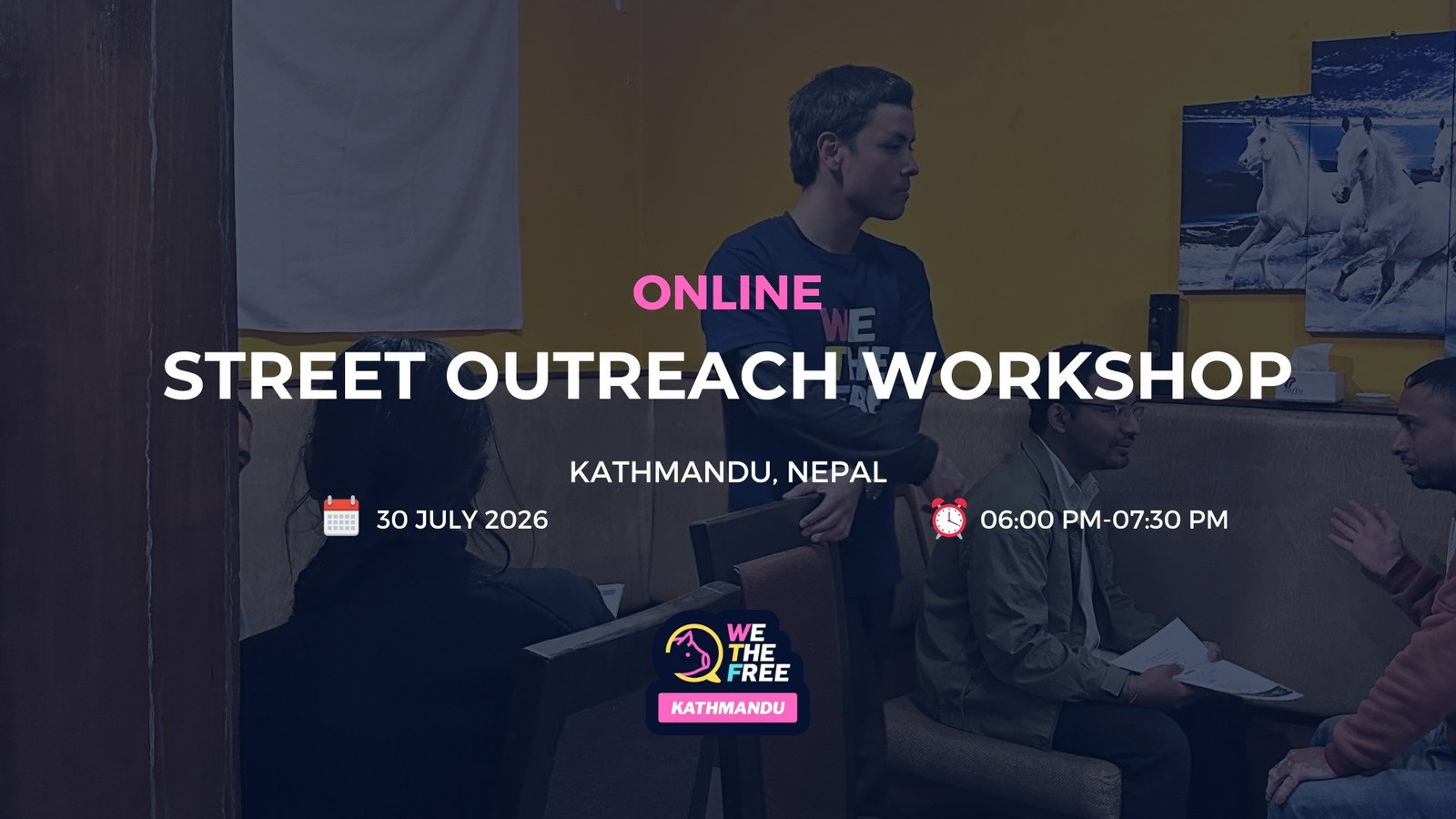
Street Outreach Event
Never miss an event
Add the events of WTF: Kathmandu, Nepal to your own calendar, once. New events, changes and cancellations follow by themselves, though your calendar app can take up to a day to catch up. No sign-up with us needed.
Which calendar do you use?
Using another calendar app? Copy this link and add it as a calendar subscription:
Show me step by step
- On a computer, click "Google Calendar" above. Google Calendar opens in your browser, so sign in if it asks you to.
- Confirm that you want to add the calendar.
- The calendar now shows under "Other calendars", and in the Google Calendar app on your phone. On Android, if it does not, open the app's Settings, tap the calendar and turn on "Sync".
The Google Calendar phone app cannot add a calendar from a link, so step 1 needs a computer. Google can take up to a day to pick up new events.
If the button does not work: in Google Calendar, click + next to "Other calendars" and choose "From URL". Paste the link from "Copy link" above and click "Add calendar".
Official help from Google- On your iPhone, iPad or Mac, tap "Apple Calendar" above.
- Your Calendar app opens and asks whether to subscribe. Tap "Subscribe".
- Under Account (Location on a Mac), choose iCloud, so the calendar shows on all your devices. Then tap "Add". On iOS 26, tap the checkmark instead, and on a Mac click "OK".
If the button does not work: in the Calendar app on your iPhone or iPad, tap "Calendars", then "Add Calendar", then "Add Subscription Calendar", and paste the link from "Copy link" above. On a Mac, choose File > New Calendar Subscription.
Official help from Apple- Click "Outlook" above and sign in with your Outlook, Hotmail or Live account.
- Outlook shows the calendar it is about to add. Click "Import".
- The calendar now shows in Outlook on the web and in the Outlook app on your phone. Outlook can take up to a day to pick up new events.
Using Outlook through work or school? Use this link instead.
If the address is not filled in for you: in Outlook, go to "Add calendar", then "Subscribe from web". Paste the link from "Copy link" above and click "Import".
Official help from Microsoft- Tap "Copy link" above.
- In your calendar app, look for "Add calendar", then an option called "Subscribe", "From URL" or "From the internet".
- Paste the link and save. The events now show in your calendar and stay up to date.
Help us reach more people
Your donation trains volunteers, equips street teams, and funds the content that has already sparked more than 15 million views and 50,000 face-to-face conversations about animal rights.
